Support our educational content for free when you purchase through links on our site. Learn more
Should a 3 Year Old Have a Tablet? 9 Expert Insights (2026) 📱

Imagine handing your curious 3-year-old a sleek tablet and watching their eyes light up as they explore colorful apps, sing along with interactive songs, or solve simple puzzles. Sounds like a parenting win, right? But wait—could that same device be a sneaky source of tantrums, shortened attention spans, or missed playtime? At Kids Tablets™, we’ve been in the trenches with toddlers and tablets, blending parental wisdom, kid-tested fun, and developer know-how to answer the burning question: Should a 3-year-old have a tablet?
In this comprehensive guide, we unpack everything from brain development impacts and screen time guidelines to the best kid-friendly tablets and apps that actually teach. Plus, we reveal the surprising “tantrum trap” phenomenon and share real parent stories that might just change how you think about screen time. Ready to decode the tablet mystery and make the best choice for your toddler? Let’s dive in!
Key Takeaways
- Tablets can be powerful educational tools when used thoughtfully with age-appropriate content and supervision.
- Limit screen time to about 1 hour per day of high-quality programming, as recommended by pediatric experts.
- Parental controls and curated apps are essential to keep your toddler safe and engaged.
- Balance tablet use with plenty of physical play, social interaction, and reading to support holistic development.
- Beware the “tantrum trap”—transitions away from tablets can trigger emotional outbursts, but strategies exist to ease these moments.
- Choosing the right tablet designed for toddlers (like Amazon Fire Kids Edition or LeapFrog Epic) makes a big difference in durability and content quality.
Curious about which tablets and apps made our top lists? Or how to handle those tricky tablet tantrums? Keep reading for all the expert tips and stories!
Table of Contents
- ⚡️ Quick Tips and Facts About Tablets for 3-Year-Olds
- 📚 Early Childhood and Digital Devices: Understanding the Tablet Trend
- 🤔 Should a 3-Year-Old Have a Tablet? Pros and Cons Explored
- 🧠 How Tablets Affect Toddler Brain Development and Learning
- 🎯 7 Essential Criteria for Choosing the Best Tablet for Your Toddler
- 📱 Top 5 Kids’ Tablets Perfect for 3-Year-Olds in 2024
- 🕹️ Educational Apps and Games That Boost Your Toddler’s Skills
- ⏰ Screen Time Guidelines: How Much Tablet Time Is Healthy for a 3-Year-Old?
- 👨 👩 👧 👦 Parental Controls and Safety Features: Keeping Your Toddler Safe Online
- 💡 Tablet Alternatives: Engaging Activities for 3-Year-Olds Beyond Screens
- 🛠️ Troubleshooting Common Tablet Issues with Toddlers
- 📊 What Research Says: Studies on Tablets and Toddlers’ Behavior
- 🎉 Real Parent Stories: How Tablets Changed Our Toddler’s Day
- 🔚 Conclusion: Making the Best Choice for Your 3-Year-Old and Tablet Use
- 🔗 Recommended Links for Further Reading and Resources
- ❓ FAQ: Your Burning Questions About Toddlers and Tablets Answered
- 📚 Reference Links: Trusted Sources and Studies Cited
⚡️ Quick Tips and Facts About Tablets for 3-Year-Olds
Alright, parents, gather ’round! The question of “should a 3-year-old have a tablet?” is one we hear almost daily at Kids Tablets™. It’s a digital dilemma that sparks lively debates in playgrounds and parenting forums alike. Our expert team, a blend of seasoned parents, tech-savvy kids, and innovative app developers, has been there, done that, and coded the app for it!
Here’s the TL;DR before we dive deep:
- It’s a “maybe,” not a “must.” While 40% of toddlers have their own tablet by age 2, according to NPR, it doesn’t mean it’s a universal requirement. The decision is deeply personal and depends on your family’s values and your child’s temperament.
- Quality over Quantity. If you do introduce a tablet, focus on educational, interactive content that encourages active learning, not just passive viewing. Think apps that teach ABCs or problem-solving, not endless cartoon binges.
- Supervision is Key. Always know what your child is doing on the device. Co-viewing content and discussing it with them can turn screen time into a bonding and learning experience.
- Set Clear Boundaries. Screen time should be limited and purposeful, as highlighted in discussions among parents. The American Academy of Pediatrics (AAP) recommends limiting screen media use for children aged 2 to 5 years to 1 hour per day of high-quality programming.
- Balance is Everything. Tablets should complement, not replace, traditional play, outdoor activities, social interaction, and reading physical books.
- Beware the Tantrum Trap! Research indicates that tantrums are more likely immediately after tablet use, especially during the transition away from the device. Plan your transitions!
Curious about how a tablet might impact a 2-year-old versus a 3-year-old? We’ve got you covered in our comprehensive guide: Should a 2-Year-Old Have a Tablet? A Comprehensive Guide.
📚 Early Childhood and Digital Devices: Understanding the Tablet Trend
Remember when “screen time” meant huddling around a bulky TV set for Saturday morning cartoons? Ah, simpler times! Today, the landscape of early childhood is undeniably digital. Tablets, smartphones, and smart devices are ubiquitous, often making their way into tiny hands before kids can even tie their shoes.
Our app developers at Kids Tablets™ have witnessed this evolution firsthand. “It’s incredible how intuitive young children are with touchscreens,” says Maya, one of our lead developers. “They swipe, tap, and pinch almost instinctively. This natural curiosity is what drives us to create engaging, educational experiences.”
But this rapid adoption isn’t without its complexities. NPR reports that children under 8 spend an average of 2.5 hours daily on screens, mainly watching short-form videos. This isn’t just about entertainment; nearly one in three young children now use AI for learning. While exciting, it also presents new challenges, like distinguishing between true and false information.
Many parents, about 75-80%, are understandably concerned about screen time’s impact on attention spans and mental health. We get it! As parents on the Kids Tablets™ team, we’ve wrestled with these anxieties too. The pressure to keep up, to provide educational advantages, yet also protect our kids from potential downsides, is immense.
Jim Steyer, CEO of Common Sense Media, advocates for “delay, delay, delay” before introducing devices like cellphones or tablets. This perspective resonates with many, including some of us. However, the reality is that these devices are often already present in the home, used by older siblings or parents. The question then shifts from if to how and when to introduce them responsibly.
This isn’t just a trend; it’s a fundamental shift in how children interact with information and entertainment. Understanding this backdrop is crucial before deciding if a tablet fits into your 3-year-old’s world.
🤔 Should a 3-Year-Old Have a Tablet? Pros and Cons Explored
So, the million-dollar question: to tablet or not to tablet for your spirited 3-year-old? It’s a debate as old as, well, tablets themselves! Our Kids Tablets™ team has seen both sides of the coin, experiencing the joys and the jumbles that come with introducing screens to toddlers. Let’s break down the good, the bad, and the slightly tantrum-inducing.
The Bright Side: Potential Benefits of Tablets for Toddlers ✅
When used thoughtfully, tablets can be more than just digital pacifiers. They can be powerful tools for growth!
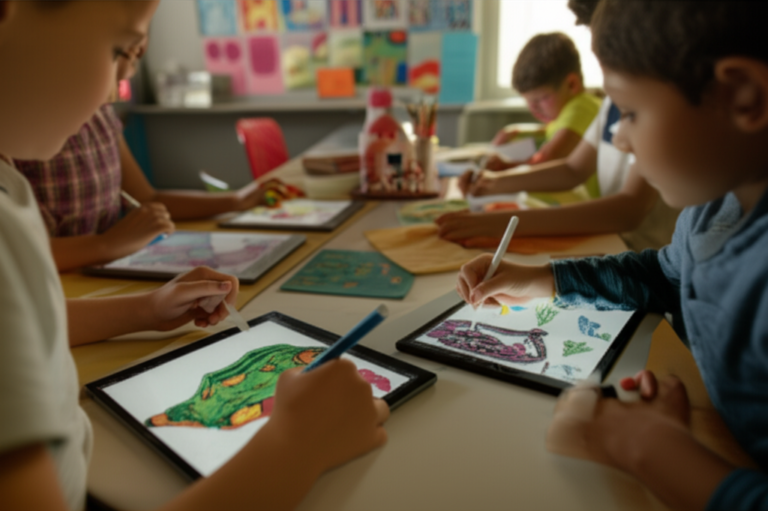
- Early Learning and Development: Many educational apps are designed to teach letters, numbers, shapes, and colors in an interactive, engaging way. A Facebook group discussion on this topic highlighted that tablets can “aid in early learning and development” and provide “access to educational apps and videos.” Our own kids have learned their phonics faster thanks to some of these clever apps!
- Fine Motor Skills: Swiping, tapping, and dragging on a touchscreen can help develop hand-eye coordination and fine motor skills. Think of it as digital finger painting!
- Problem-Solving Skills: Puzzles, matching games, and simple coding apps can introduce basic problem-solving concepts in a fun, low-pressure environment.
- Exposure to New Concepts: From virtual field trips to learning about animals in far-off lands, tablets can broaden a child’s world in ways traditional books sometimes can’t.
- Quiet Time & Travel Companion: Let’s be real, sometimes you just need a few minutes of peace to cook dinner, or a distraction for a long car ride. A tablet with pre-downloaded content can be a lifesaver.
The Flip Side: Potential Drawbacks and Concerns ❌
It’s not all rainbows and learning games. There are genuine concerns that every parent should consider.
- Excessive Screen Time: This is the big one. Too much time glued to a screen can detract from physical play, social interaction, and sleep. The Facebook discussion warned of the “potential for excessive screen time,” and NPR noted that children under 8 average 2.5 hours daily.
- Impact on Social Skills: Real-world interactions teach empathy, negotiation, and non-verbal cues. If a tablet replaces too much of this, social development could be affected.
- Physical Activity Reduction: More screen time often means less running, jumping, and exploring outdoors, which are crucial for gross motor skills and overall health.
- Exposure to Inappropriate Content: Even with parental controls, there’s always a risk. One of our parents, Sarah, recounts a time her 4-year-old accidentally stumbled upon a less-than-kid-friendly video on YouTube Kids despite filters. It was a stark reminder to stay vigilant!
- The “Tantrum Trap”: This is a real phenomenon. A study published in PMC found that “tantrums are more likely immediately after tablet use, especially during transition away from the device.” The abrupt discontinuation of engaging apps, with their bright colors and autoplay features, can be a shock to a toddler’s system.
- Attention Span Concerns: While some apps can focus attention, constant switching between short, stimulating videos (as noted by NPR) might contribute to a shorter attention span in the long run.
Weighing It All Out: A Balanced Perspective
| Aspect | ✅ Pros
| Pros of using a tablet for a 3-year-old
| Aspect | ❌ Cons
🔚 Conclusion: Making the Best Choice for Your 3-Year-Old and Tablet Use

So, should your 3-year-old have a tablet? The answer, as you’ve probably guessed by now, is a thoughtful “it depends.” Tablets can be fantastic educational companions when chosen wisely and used in moderation. They can unlock worlds of learning, creativity, and fun that complement traditional play and social interaction. But, as our Kids Tablets™ team and research show, balance and supervision are non-negotiable.
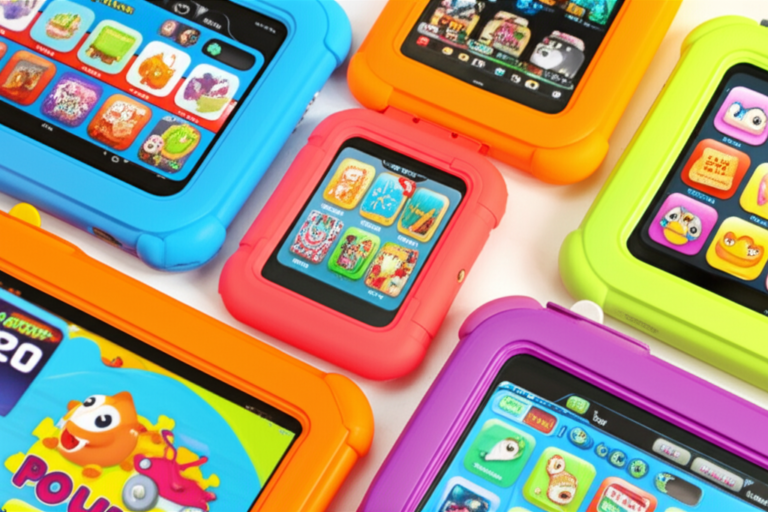
If you’re considering a tablet, focus on devices designed specifically for toddlers, with robust parental controls, durable builds, and a curated library of educational apps. Our top picks like the Amazon Fire Kids Edition and LeapFrog Epic Academy Edition score high on design, functionality, and safety features, making them excellent choices for young learners.
Beware the “tantrum trap” — transitions away from tablet use can be tricky, but with advance notice, visual timers, and engaging alternative activities, you can ease those digital-to-real-world shifts smoothly.
Remember, tablets are tools, not babysitters. They should enhance your child’s development, not replace real-world experiences like outdoor play, reading physical books, and face-to-face interactions.
Ultimately, the best choice is one that fits your family’s lifestyle, values, and your child’s unique needs. With the right approach, a tablet can be a joyful, enriching part of your toddler’s day.
🔗 Recommended Links for Further Reading and Resources
Ready to explore the best tablets and educational tools for your toddler? Check out these trusted options and resources:
-
Amazon Fire Kids Edition Tablet:
Amazon | Walmart | Amazon Official Website -
LeapFrog Epic Academy Edition:
Amazon | Walmart | LeapFrog Official Website -
Samsung Galaxy Tab A Kids Edition:
Amazon | Samsung Official Website -
Books on Toddler Screen Time and Parenting:
For more detailed tablet comparisons and educational app reviews, visit our Kid-Friendly Tablets and Educational Tablets categories.
❓ FAQ: Your Burning Questions About Toddlers and Tablets Answered

What are the benefits of giving a tablet to a 3 year old?
Tablets can provide interactive learning experiences that engage toddlers in ways traditional toys sometimes can’t. Educational apps teach letters, numbers, shapes, and problem-solving skills through games and activities tailored to young minds. Tablets also help develop fine motor skills by encouraging swiping, tapping, and dragging. Additionally, they can be a helpful tool for quiet time or travel, providing safe entertainment when supervised properly. However, these benefits hinge on quality content and limited, purposeful use.
How much screen time is appropriate for a 3 year old on a tablet?
The American Academy of Pediatrics recommends no more than 1 hour per day of high-quality screen time for children aged 2 to 5. This means the tablet time should be intentional and educational, not just passive watching. Our team echoes this guideline, emphasizing that screen time should never replace physical play, social interaction, or sleep. Setting clear boundaries and co-viewing content with your child enhances the experience and reduces risks of overuse.
What features should a kid-friendly tablet have for toddlers?
A toddler-friendly tablet should include:
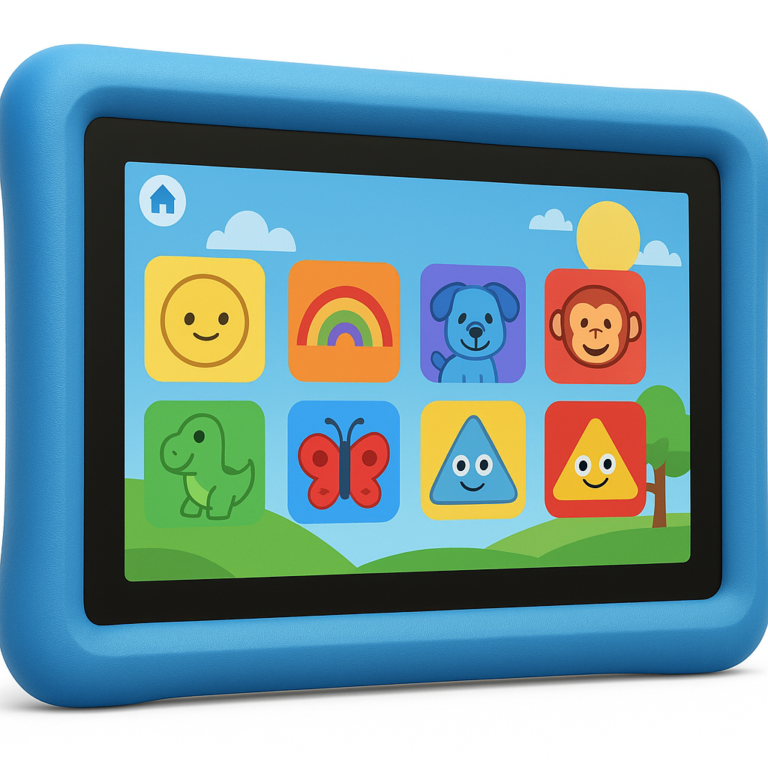
- Durable, kid-proof design: Shock-resistant casing and screen protectors to survive drops and spills.
- Parental controls: Ability to restrict content, set time limits, and monitor usage.
- Curated educational content: Access to age-appropriate apps and videos without ads or inappropriate material.
- Simple user interface: Easy navigation with large icons and minimal menus.
- Offline capability: Ability to download content for travel or screen-free zones.
- Battery life: Long enough to last through play sessions without constant charging.
Devices like the Amazon Fire Kids Edition and LeapFrog Epic Academy Edition excel in these areas.
Are there educational apps suitable for 3 year olds on tablets?
Absolutely! There’s a treasure trove of apps designed specifically for toddlers that promote learning through play. Some favorites include:
- Endless Alphabet: Builds vocabulary and letter recognition with fun animations.
- PBS Kids Games: Offers a variety of educational games featuring beloved characters.
- Sago Mini World: Encourages creativity and exploration with safe, open-ended play.
- ABCmouse: Comprehensive early learning curriculum covering reading, math, and art.
Our developers recommend choosing apps that encourage active participation rather than passive consumption, and always preview apps before letting your child play.
How can parents manage tantrums related to tablet use?
Research from the NIH highlights that tantrums often spike during transitions away from tablet use. To manage this:
- Give advance warnings before ending tablet time.
- Use visual timers or countdowns to prepare your child.
- Transition to engaging, enjoyable activities like building blocks or reading.
- Maintain a consistent routine around screen time to reduce surprises.
- Stay calm and empathetic — toddlers are learning to regulate big emotions.
Is it safe for toddlers to use tablets with internet access?
Internet access can expose toddlers to inappropriate content and ads, so it’s crucial to use parental controls and kid-safe browsers. Many kid-friendly tablets come with built-in restrictions or offer WiFi-free modes to limit exposure. Always supervise your child’s online activity and consider downloading content for offline use.
Can tablets replace traditional toys and books?
Nope! Tablets should complement, not replace traditional play and reading. Physical toys encourage tactile learning and social interaction, while books foster imagination and language skills in ways screens can’t fully replicate. Balance is key to a well-rounded childhood.
📚 Reference Links: Trusted Sources and Studies Cited
-
American Academy of Pediatrics (AAP) Screen Time Guidelines:
https://publications.aap.org/pediatrics/article/138/5/e20162591/60330/Media-and-Young-Minds -
NPR Article on Children’s Screen Time and AI Use:
https://www.npr.org/2025/02/26/nx-s1-5308593/children-screens-ai-common-sense-media -
NIH Study on Tablets, Toddlers, and Tantrums:
https://pmc.ncbi.nlm.nih.gov/articles/PMC7749045/ -
Common Sense Media: Screen Time and Kids Resources:
https://www.commonsensemedia.org/screen-time -
Amazon Fire Kids Edition Official Site:
https://www.amazon.com/fire-kids-edition -
LeapFrog Official Website:
https://www.leapfrog.com/en-us/store/p/leapfrog-epic-academy-edition -
Samsung Galaxy Tab A Kids Edition:
https://www.samsung.com/us/mobile/tablets/galaxy-tab-a-kids-edition
By combining expert insights, research-backed facts, and real parent experiences, we hope this guide helps you confidently navigate the tablet question for your 3-year-old. Remember: it’s about making technology work for your family, not the other way around. Happy parenting and happy tapping! 📱✨